Invalidate in CloudFront
Invalidate the content in CloudFront to force the removal of objects
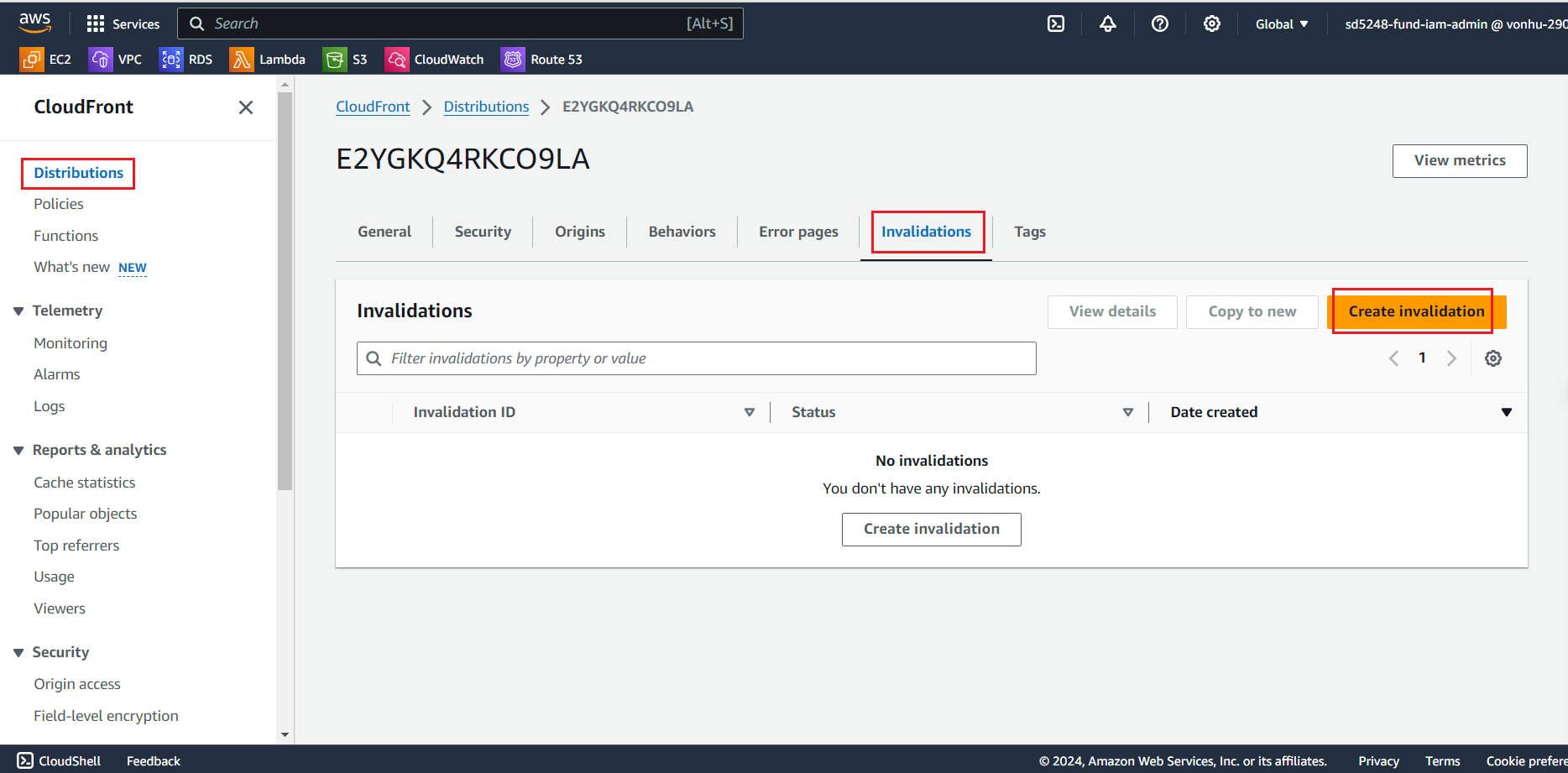
Select your distribution and go to Invalidations tab. Create an invalidation request.
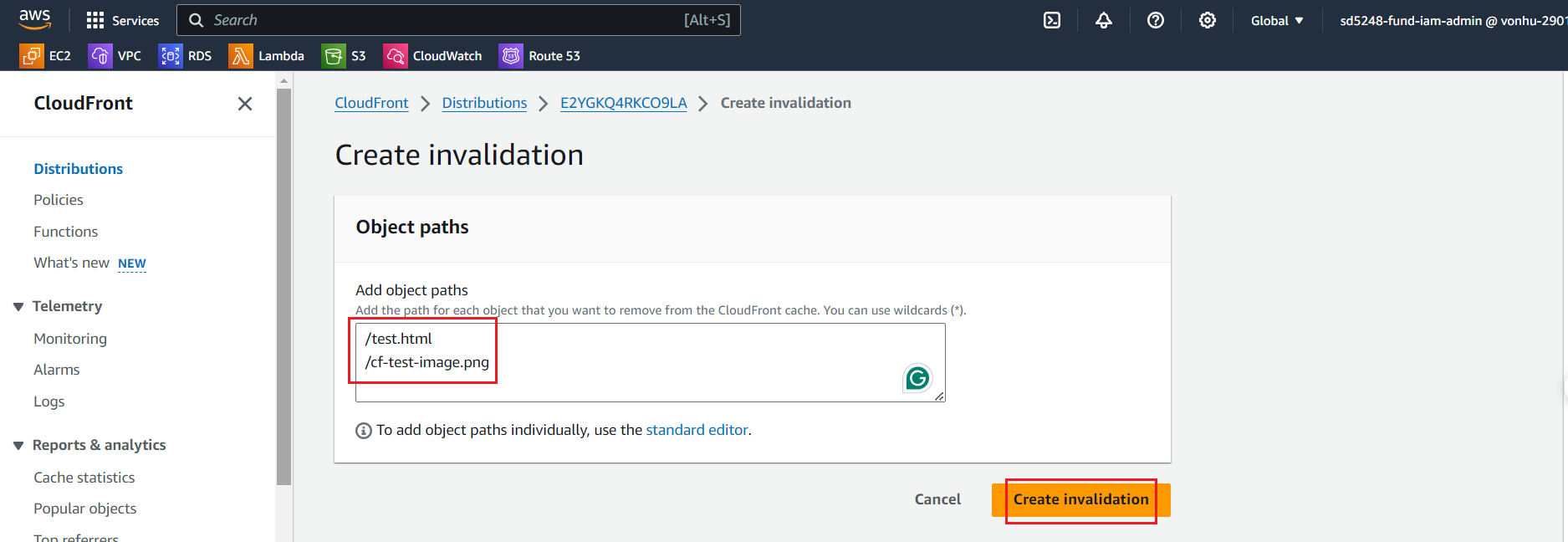
At the Create invalidation page:
- Paste:
/test.html
/cf-test-image.png
- Click on “Create invalidation” button
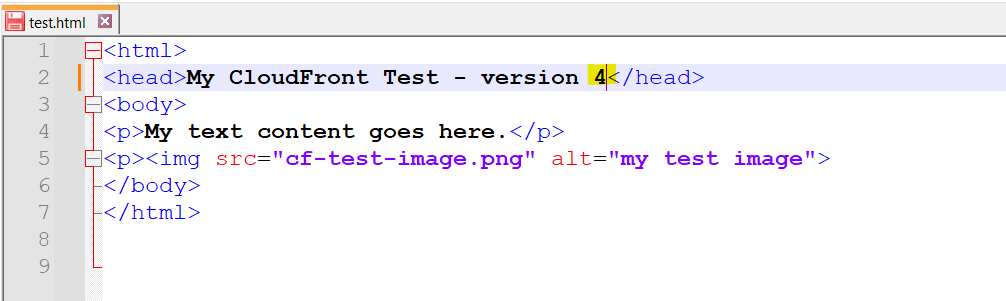
Now let’s update the HTML page in the S3 bucket. We are going to update the test html version to 4. Save the file locally and then upload to your S3 bucket.
- Update file test.html from 2 to 4.
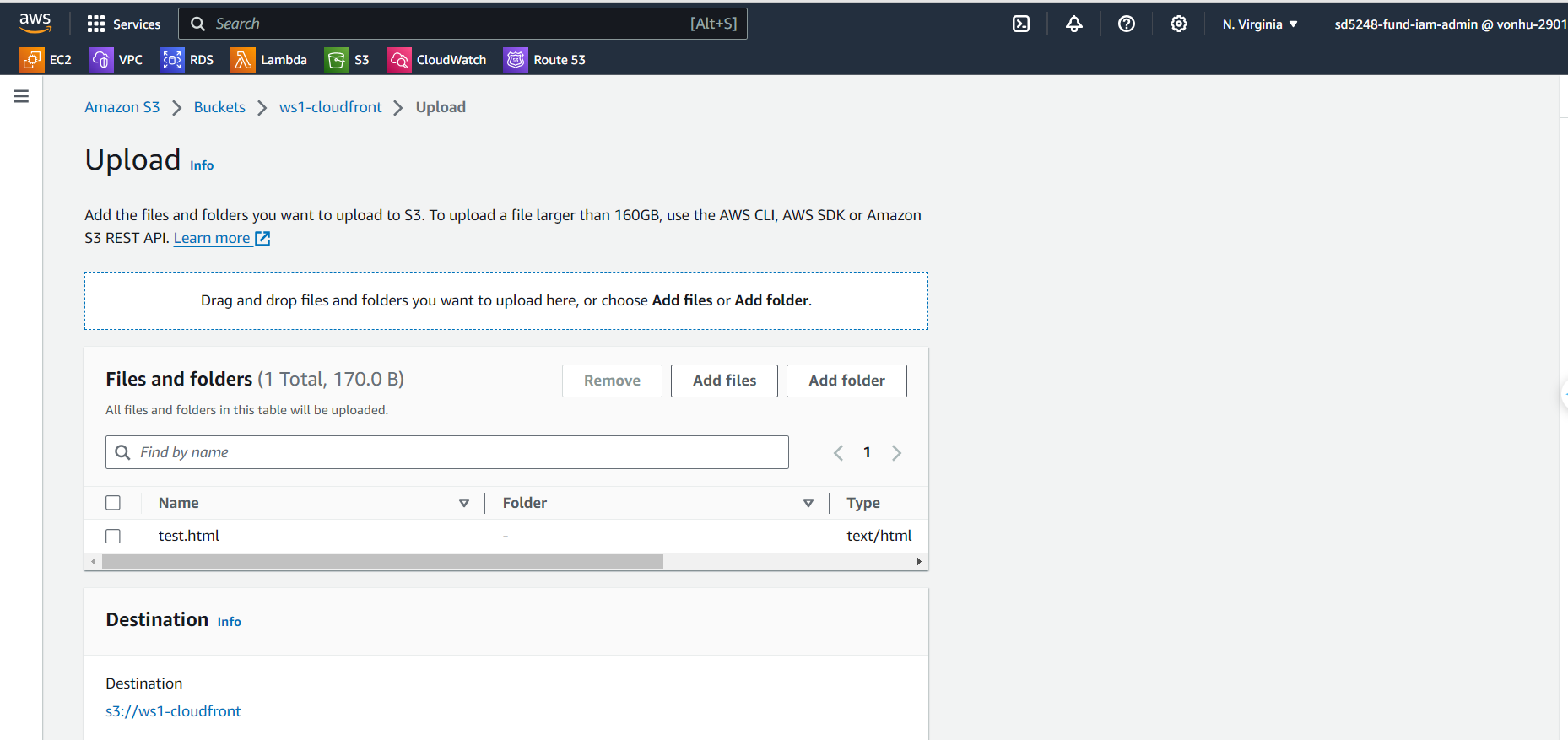
- Reupload file to S3.
- Open test.html from S3 URL, the content should be version 4.
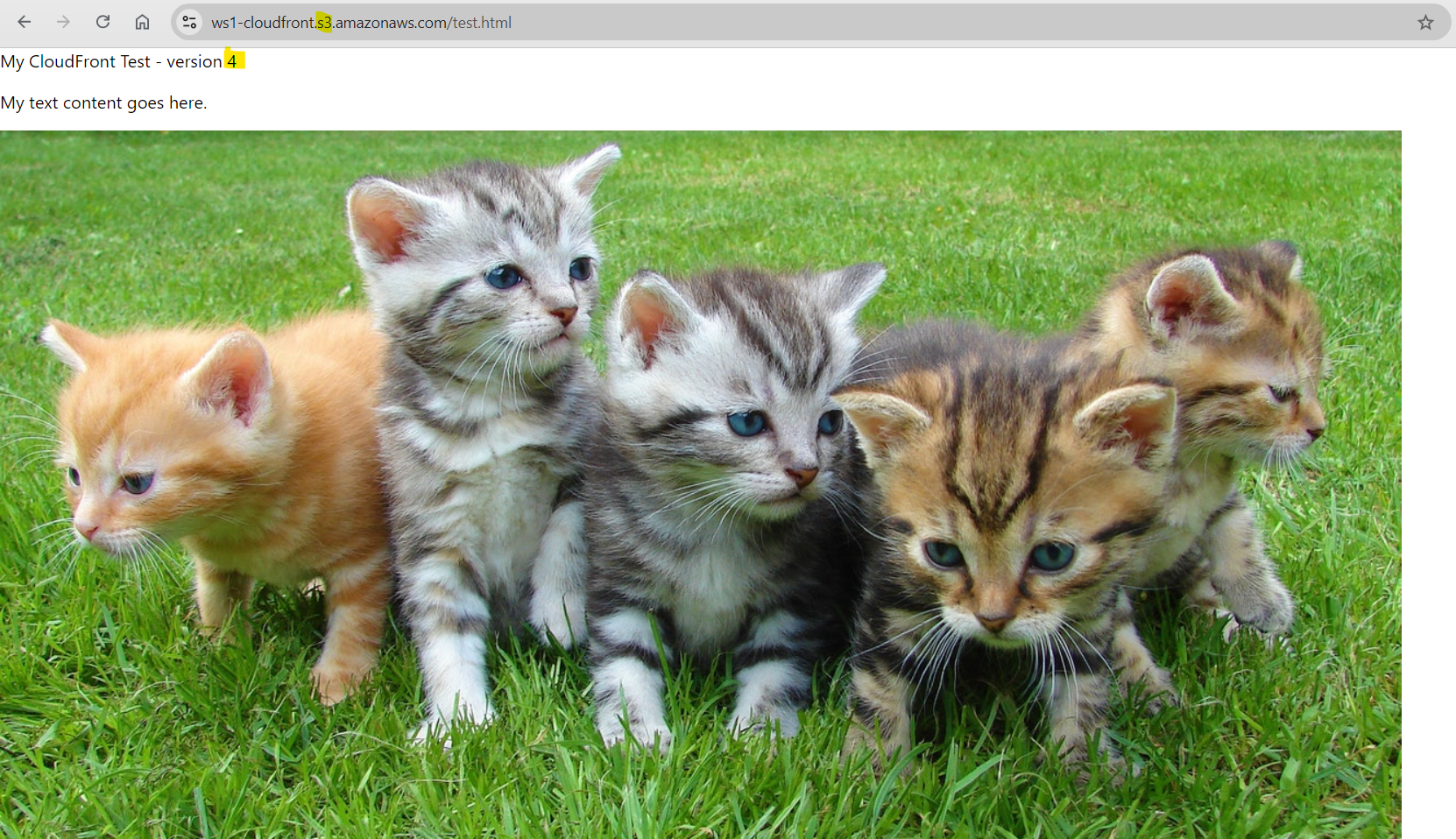
- And the content in return from CloudFront should be version 4 as well.
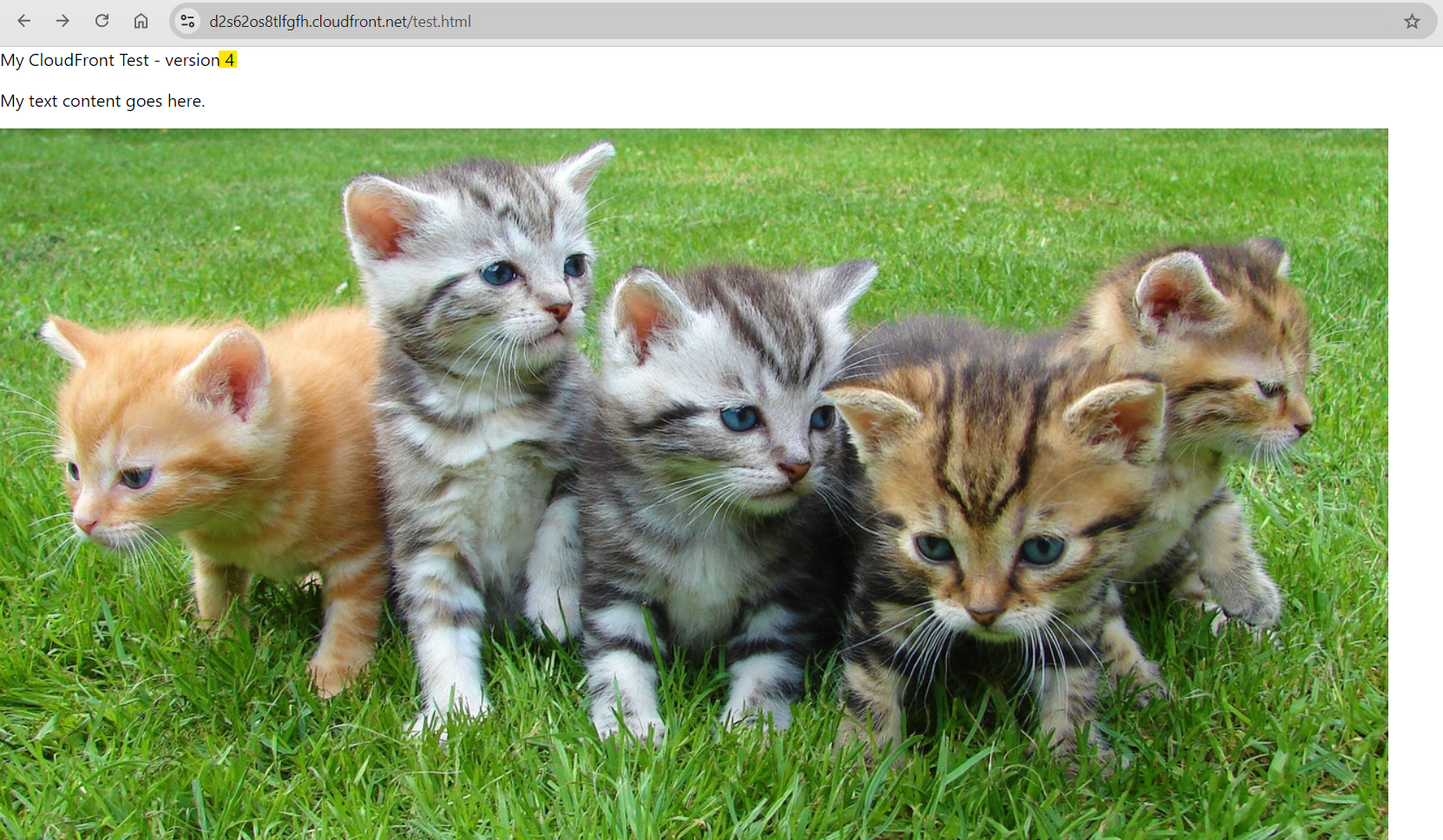
To summarize, content updates are now reflected immediately on S3 and the CDN every 20 seconds, rather than every 24 hours.