Set up a CloudFront Distribution
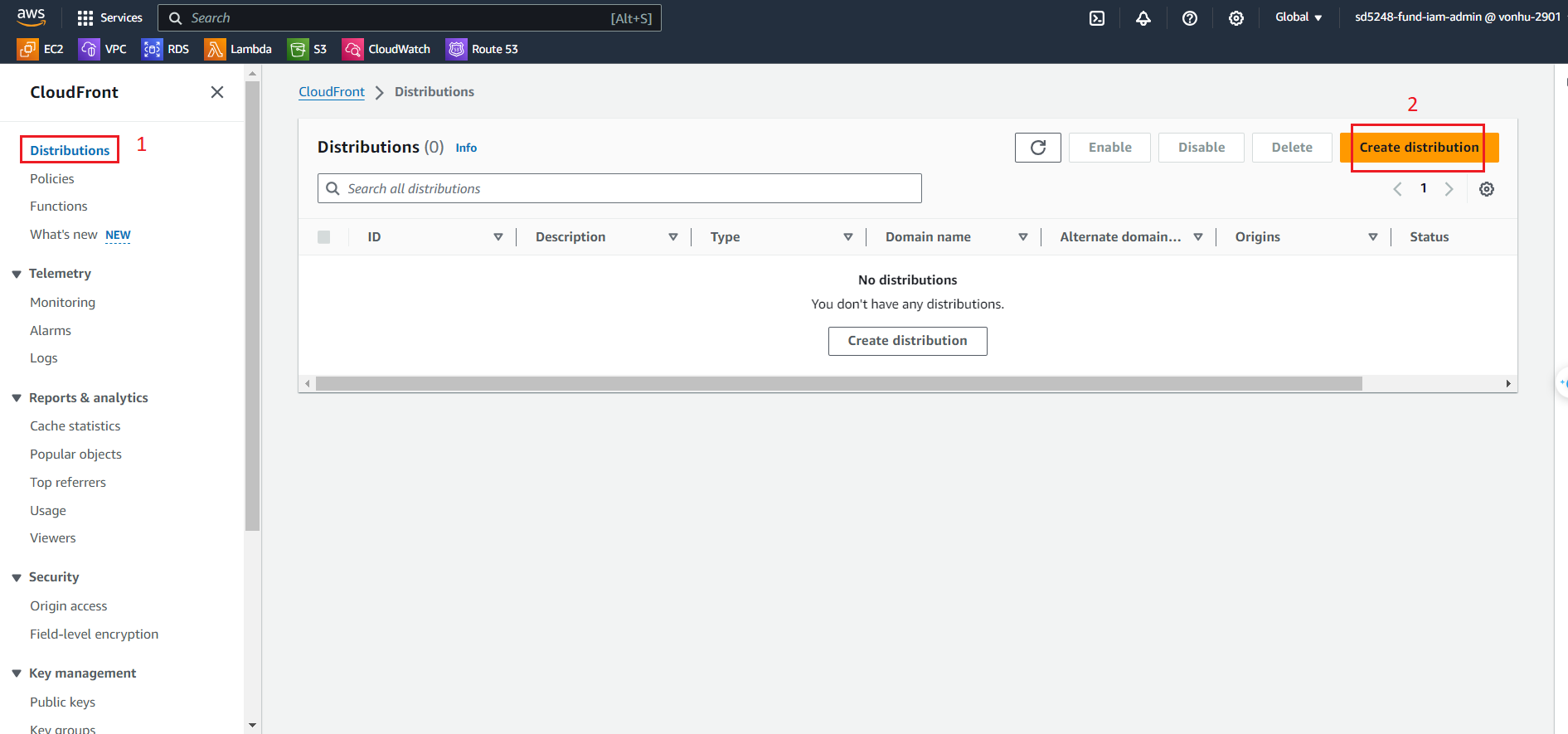
- Click on Distribution.
- Click Create distribution.
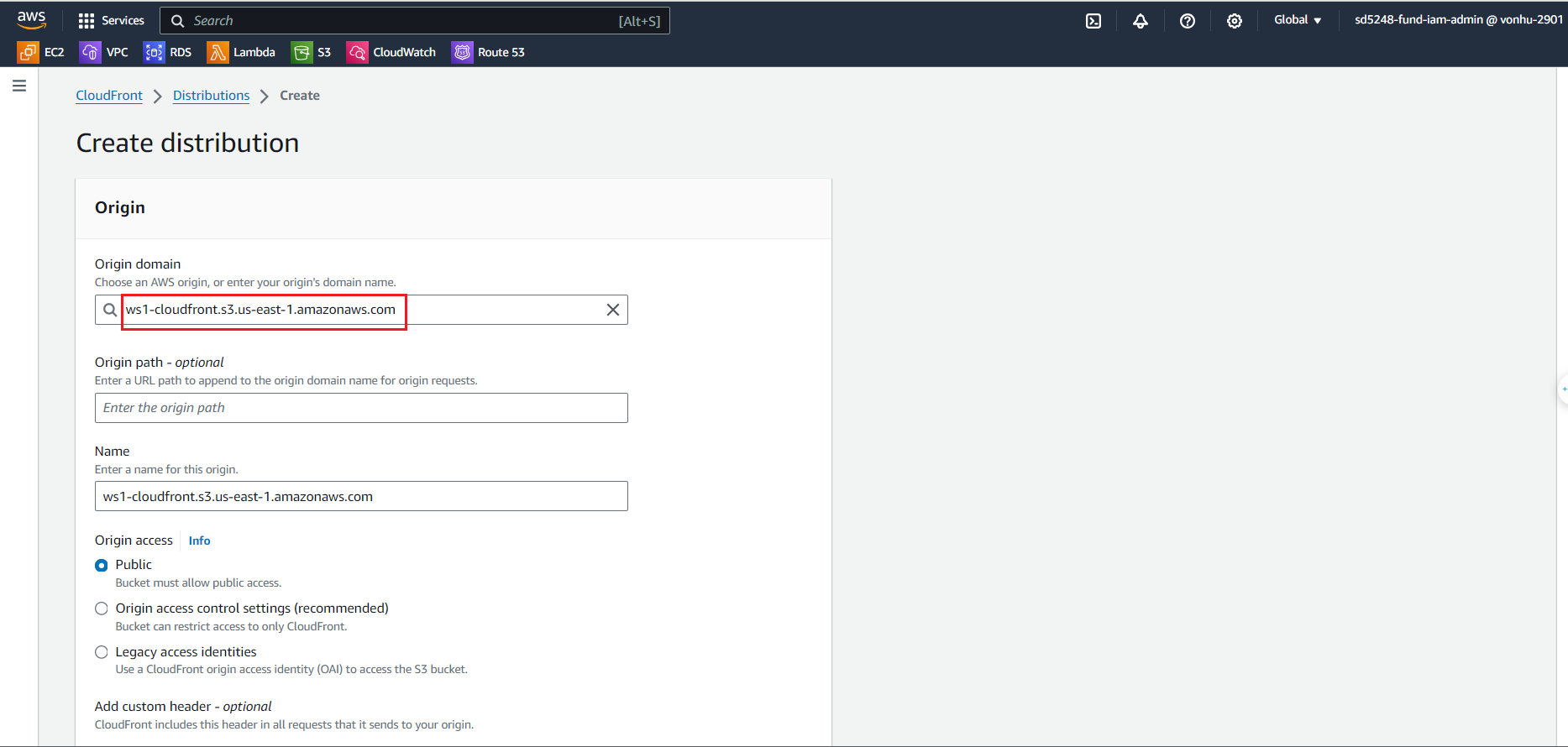
- At the Create distribution page
- Click on Origin domain to select S3 bucket.
- Leave every as default.
- Click the Create distribution. A distribution will be created afterward.
Created successully!!!
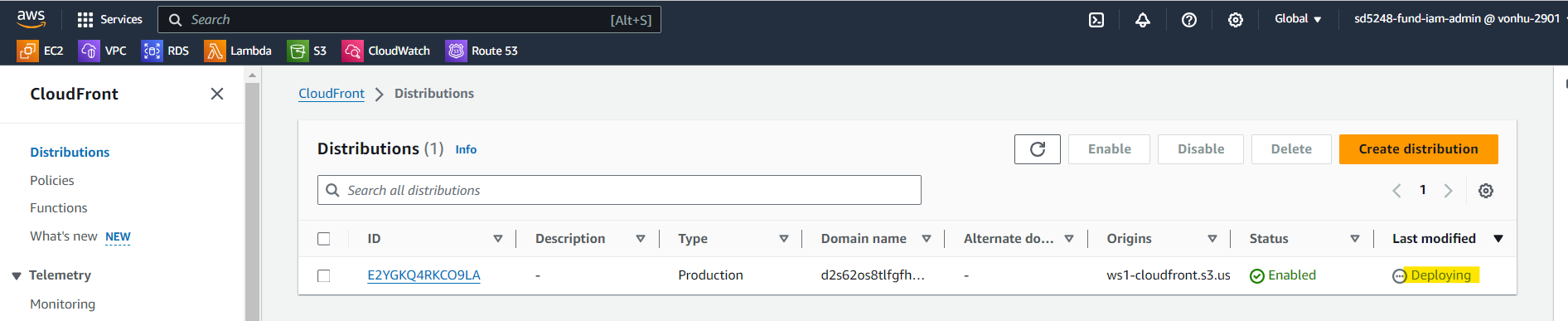
It’ll take about 5 to 10 minutes for the distribution to change from in progress to deployed state.